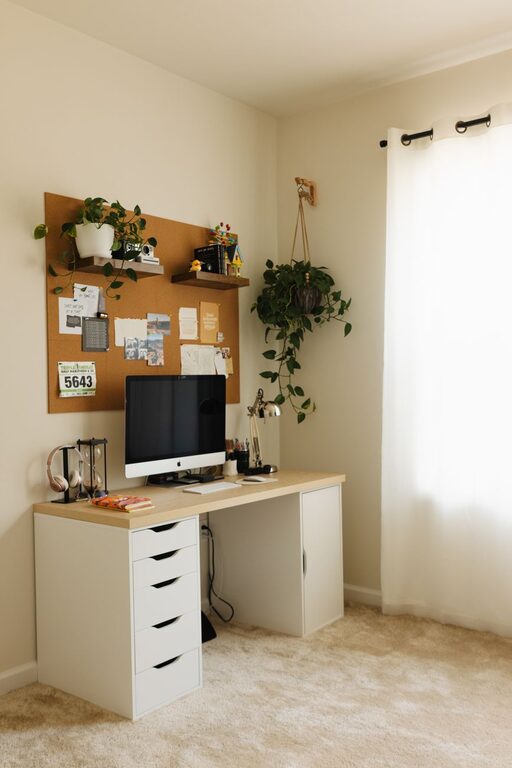
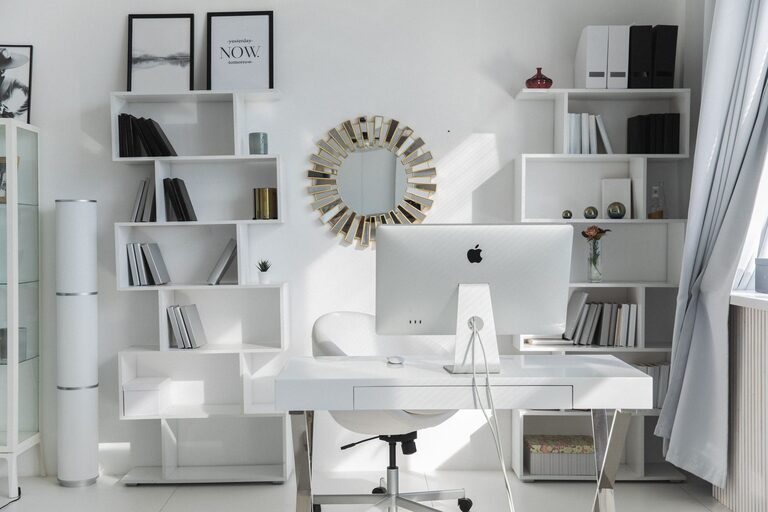
Creating a productive home office environment is essential for anyone working remotely or managing tasks from home. A well-designed workspace not only enhances focus but also supports your overall well-being. Whether you’re setting up a new office or improving your current one, these tips will help you create an environment that encourages efficiency and comfort.
1. Choose the Right Location
Selecting the right spot for your home office is the first step toward productivity. Ideally, your workspace should be a quiet area with minimal distractions.
– Separate Space: If possible, use a dedicated room instead of a shared living area.
– Natural Light: Position your desk near a window to benefit from natural light, which can improve mood and alertness.
– Noise Consideration: Avoid noisy areas like kitchens or rooms facing busy streets.
2. Invest in Comfortable and Functional Furniture
Comfort and ergonomics play a big role in maintaining productivity over long work hours.
– Ergonomic Chair: Choose a chair that supports your lower back and encourages good posture.
– Adjustable Desk: Consider a desk at the right height or a standing desk option to reduce strain.
– Proper Desk Size: Ensure your desk is large enough for your computer, documents, and additional tools.
3. Organize Your Workspace
A clutter-free environment helps clear your mind and stay focused.
– Storage Solutions: Use shelves, drawers, and file organizers to keep supplies out of sight but within reach.
– Cable Management: Tidy cords with clips or sleeves to prevent tangles and hazards.
– Daily Tidy-up: Spend a few minutes at the end of each day organizing your desk.
4. Optimize Lighting
Lighting impacts both your comfort and productivity.
– Task Lighting: Use a desk lamp to focus light on your work area.
– Avoid Glare: Position your screen to reduce glare from windows and lights.
– Use Soft White Bulbs: These reduce eye strain compared to harsh, cool lighting.
5. Minimize Distractions
Staying focused at home can be challenging, but these strategies can help.
– Set Boundaries: Communicate your work hours to family or housemates.
– Limit Noise: Use noise-canceling headphones or soft background music to block distractions.
– Turn Off Notifications: Silence non-essential phone or computer notifications during work time.
6. Personalize Your Space
Adding personal touches makes your workspace inviting and enjoyable.
– Plants: Include greenery to improve air quality and add a calming effect.
– Artwork or Photos: Display items that inspire or motivate you.
– Color Choices: Use calming colors like blues or greens, or energizing hues like yellow, depending on your preference.
7. Use Technology Wisely
Technology can support or hinder your productivity depending on how you manage it.
– Reliable Equipment: Ensure your computer, internet, and other tech work smoothly.
– Organizational Tools: Use digital calendars and task management apps to stay on track.
– Regular Breaks: Use timers or apps to remind you to take short breaks, preventing burnout.
8. Maintain Healthy Habits
Your workspace should encourage healthy routines.
– Ergonomic Practices: Take short breaks to stretch and relieve tension.
– Hydration and Snacks: Keep water and healthy snacks nearby to maintain energy levels.
– Exercise Space: If possible, include a small area for quick stretches or movement.
Final Thoughts
Designing a productive home office environment is a thoughtful process that balances comfort, organization, and personal preferences. By choosing the right location, investing in good furniture, organizing your space, and taking care of your well-being, you can create a workspace that helps you do your best work every day. Remember, small adjustments can make a big difference in your productivity and satisfaction while working from home.
About the Author